
Google Play Store
Google Play Store is Google's digital distribution platform for Android, used to find, install and update apps, games and books.
101.1 MB

7.33.4.2 · vivoglobal · Page updated
V-Appstore is the app store operated by vivo, preinstalled on vivo phones for installing and updating apps and games next to Google Play.
Average 0.0 · ratings: 0
Thank you! Your rating is saved; you can change it. Could not save the rating. Please try again later. Too many ratings from your network today. Please try again tomorrow. The average appears after 5 ratings.
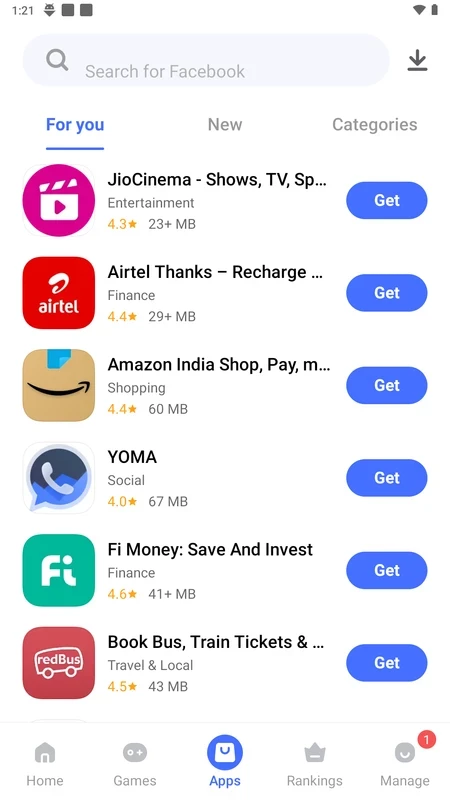
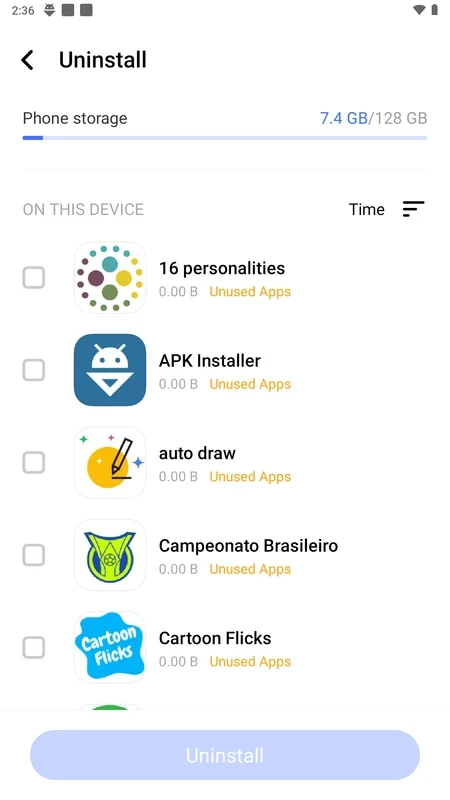
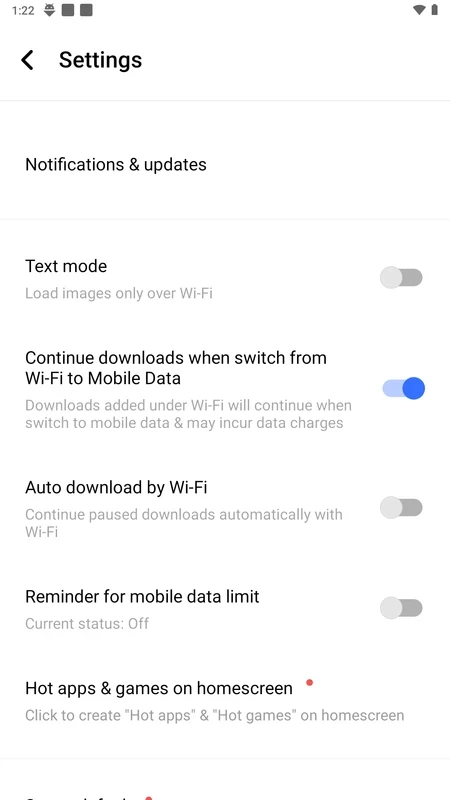
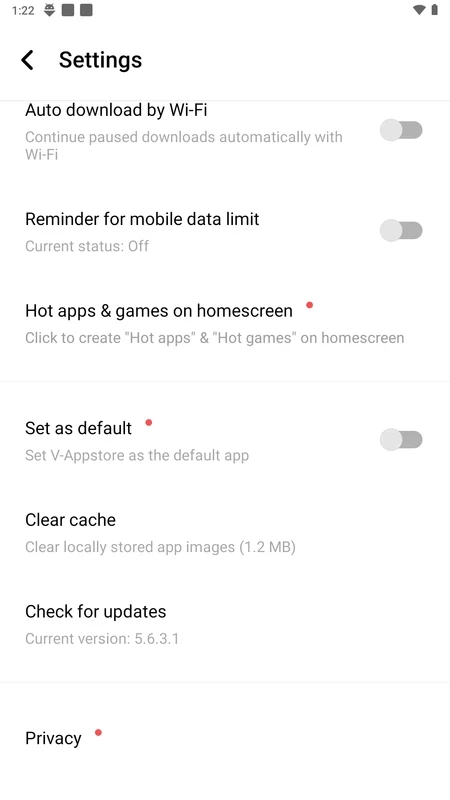
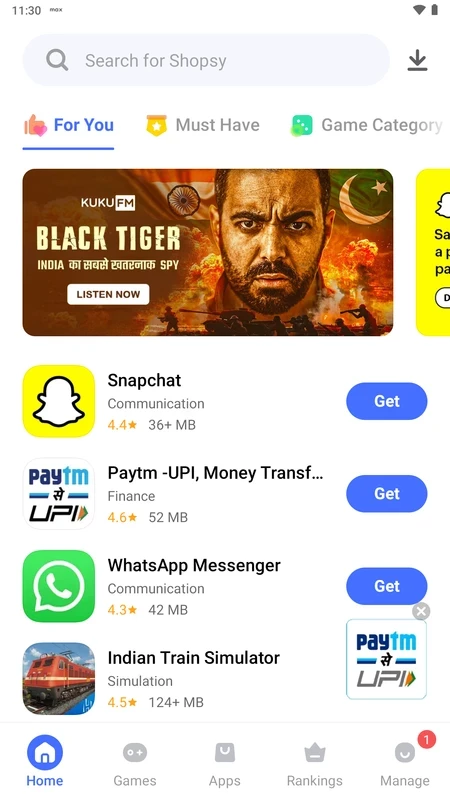
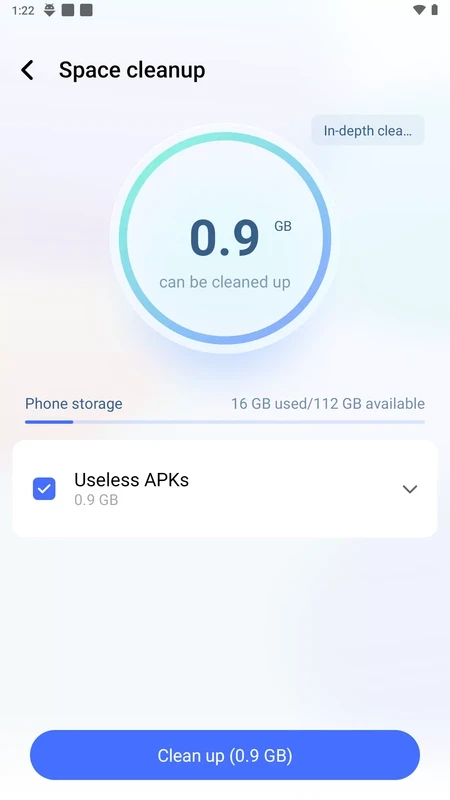
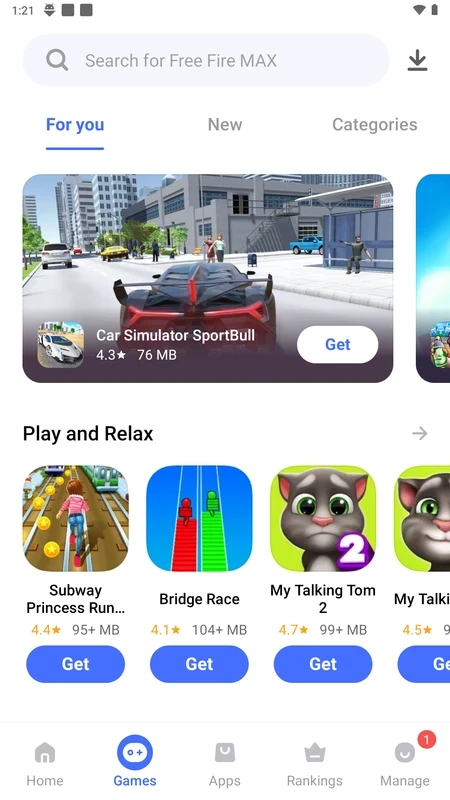
V-Appstore 7.33.4.2 is the app store operated by vivo for its Android phones. It comes preinstalled on many vivo devices and is used to find, install and update apps and games alongside Google Play. On a vivo phone you usually do not need to download V-Appstore separately: it updates itself through the system.
| Item | Details |
|---|---|
| Version | 7.33.4.2 |
| Developer | vivo (vivoglobal) |
| Platform | Android, vivo devices |
| Type | app store |
| Licence | free |
| Size | about 30.25 MB according to catalogue data |
Phone makers run their own stores for several reasons: to deliver updates for their system apps, to offer apps that are popular in particular regions and to promote games and services. V-Appstore does all three on vivo phones. You can search for an app, read its description and reviews, install it and keep it updated. vivo's own tools, themes and some preinstalled apps get their updates through this store, which is why it is part of the system and cannot always be removed. Many owners use Google Play for most apps and let V-Appstore handle vivo's software. The store also displays recommendations and promotions; if they feel intrusive, the notification settings in the app and in Android let you tone them down. On phones from other brands V-Appstore has no role to play, and installing it there brings no benefit.
Can I remove it? On most vivo phones the store is a system app; you can usually disable its notifications or updates for individual apps, but full removal is not intended. Do I still need Google Play? Most people keep both, because many apps are published only in Google Play and V-Appstore mainly adds vivo software and regional offers.
An app store can install other apps, so a modified copy is a serious danger on any phone. Keep to the version that came with the device and its official updates. Whatever store you use, check the developer name, reviews and requested permissions before installing, and be careful with apps that want accessibility or device-admin rights.
Google Play Store is the main alternative. Our listings also include other manufacturer stores such as GetApps from Xiaomi and Huawei AppGallery, as well as APKPure, Aptoide, Uptodown App Store and Aurora Store.
Google Play Store is Google's digital distribution platform for Android, used to find, install and update apps, games and books.

APKPure is a third-party app marketplace for Android that installs apps from APK files outside Google Play. This page covers version 3.20.7803.

Aptoide is an open-source alternative app store for Android, running since 2009. This page covers version 9.22.5.3.

QuickShortcutMaker is a small Android tool for creating home screen shortcuts to specific screens of installed apps, including hidden settings.